
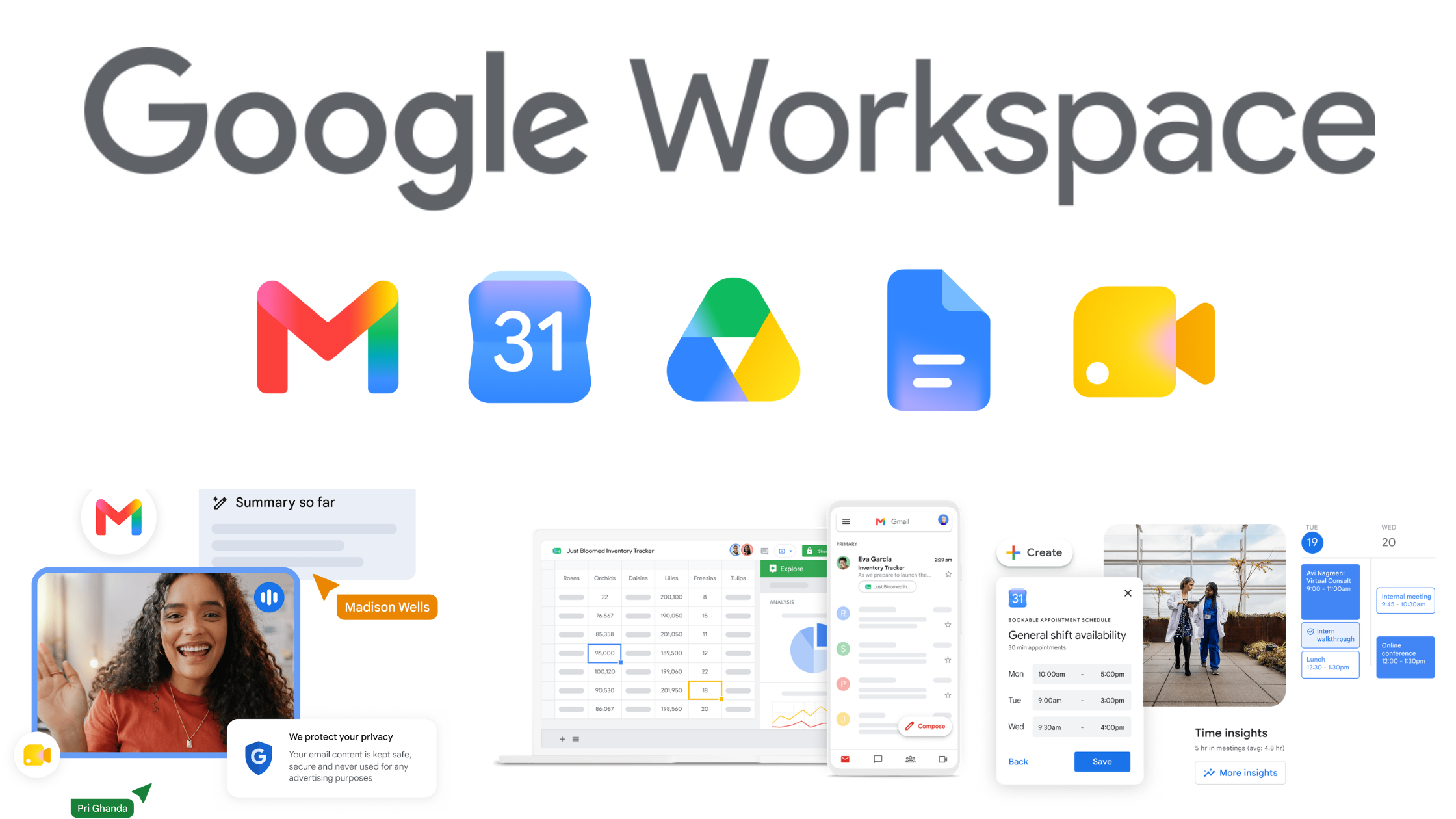
It's no secret that we're huge fans of Google Workspace.
Unlike its main competitor, it was designed from the ground up for the cloud and has constantly evolved to streamline how we work and live. The beauty of Google Workspace is that it seamlessly syncs your essential tools, allowing information to flow effortlessly across your devices.
While Google Workspace shines on your desktop, it's equally powerful on your mobile and tablet. If you're an Android user, most of the Google apps are likely already integrated with your phone. So, this guide is specifically for you Apple iPhone aficionados who want to unlock the full potential of Google Workspace on your device. We highlight our favourite apps from the Apple iOS store, including the two time saving bundles, that make using Google Workspace a breeze on your phone.
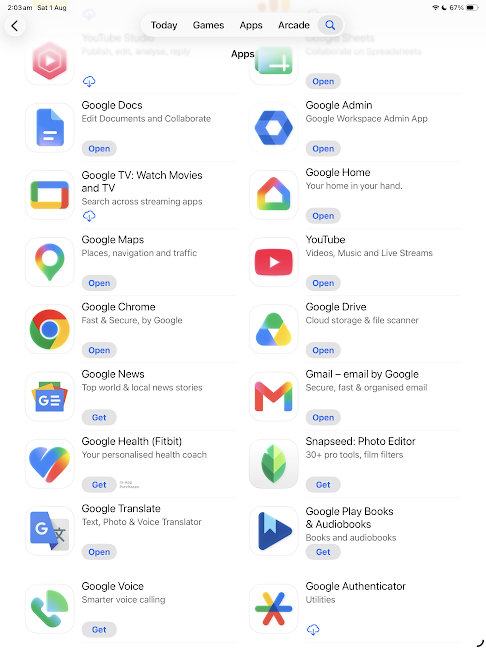
Key Apps to transform your iPhone into a Google Workspace powerhouse
Gmail: The heart of Google Workspace. Get instant notifications, use Smart Compose to write emails faster, and enjoy a clean, intuitive interface.
Calendar: Never miss a beat. Stay organised with shared calendars, event reminders, and easy integration with other Google apps.
Drive: Your files, anywhere you need them. Access your documents, photos, and videos from any device, collaborate in real-time, and enjoy ample free storage.
Meet: Stay connected face-to-face. Host or join video meetings with crystal-clear audio and video, even on the go.
Docs / Sheets / Slides: Create, edit, and collaborate on documents, spreadsheets, and presentations right from your phone.
Keep: Capture ideas and stay organised. Jot down notes, create checklists, and set reminders for anything that comes to mind.
Tasks: Your to-do list, synced with Gmail and Calendar.
Gemini: AI assistance on your phone. Included with most Google Workspace plans, using your work account rather than a personal one. Learn more about Generative AI.
Chrome: Your preferred browser, synced across devices. Seamlessly switch between your phone and computer, access bookmarks and saved passwords, and enjoy a familiar experience.
Bonus Tips:
Sign in with your work address. When you open each app for the first time, sign in with your work email, not a personal Gmail account. If you already use a personal Google account on your phone, add the work one alongside it - tap your profile picture in the top right of any Google app to add an account and to switch between them.
Enable Notifications: Stay on top of your work by allowing notifications for Gmail, Calendar, and other important apps.
Customise Widgets: Add Google widgets to your home screen for quick access to calendar events, emails, and tasks. Get more out of Google Workspace on your mobile phone, read more mobile tips.
Offline Access: Enable offline access for Drive files so you can work even when you don't have an internet connection (this setting may not be available if you’re using a company account).
Download a Bundle!
Save time setting up your iPhone/iPad with a bundle.
Best of Google Bundle - Level up your productivity, get Gemini, Search, Gmail, YouTube, Google Maps, Google Chrome, Google Photos, Google Drive, Google Calendar and YouTube Music on your iPhone or iPad.
Everyday Google AI Apps - Bring the power of Google Al on the go. In one download, get the Gemini, Search, Google Chrome, Google Photos, and Google NotebookLM apps on your phone.

Do it yourself?
If your organisation allows it, you can set up Google Workspace on an iOS device to access your personal, work or school accounts. You can use your own personal device or one that your organisation has issued to you. Learn how to set up Google Workspace on an iOS device.
Need a Helping Hand?
At Online is Easy, we're passionate about helping you get the most out of Google Workspace. If you have questions, need personalised training, or want guidance on optimising your workflow, we're here for you.
