
Written after the Microsoft 365 outage of Fri 13 Nov 2026.Workarounds? What workarounds?
Microsoft's Outlook and Teams went down at around 5am AEDT on Friday 13 November 2026.[1] Nearly 24 hours later Microsoft was still working through its recovery.[2] Australian workers and government agencies couldn't get into their work email, the AFP, ASIO and the ABC among them, and local businesses on Microsoft 365 were hit too.[1] Downdetector logged reports from 74 countries and territories within about an hour,[3] and Michigan think tank Anderson Economic Group reckons the lost productivity could approach $7 billion.[4]
The cause was one process on Microsoft's servers, the one (ironically) "responsible for establishing secure connections", getting overwhelmed.[1] Microsoft later traced it to "an issue during an earlier network capacity upgrade", ruled out a cyber attack, and said it was "deeply sorry".[5]
ACS chief executive Dr Prins Ralston nailed it in Information Age: "ASIO and the AFP had workarounds. Most small businesses and many agencies don't."[1] If ASIO needed a Plan B to get through a Friday, the 5 person office in Traralgon, the local footy club committee, or the sole trader working from home do too!
Even where people had workarounds, they only went so far. A Charles Sturt University staff member told Nine: "we can make workarounds for a lot of things, but it's certainly stopping a lot of core work."[2]
Daniel Buckton summed up the mood on LinkedIn.[6]
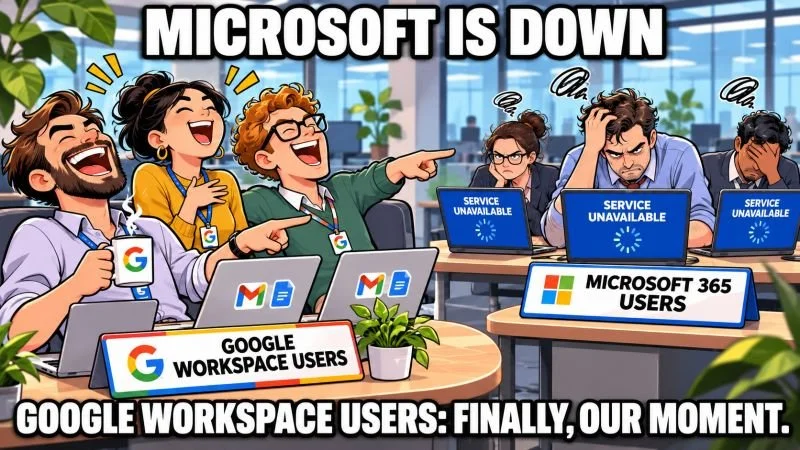
Ian Medcalf replied in the same thread with "and in reality", which is probably closer to how a lot of Friday went.[6]
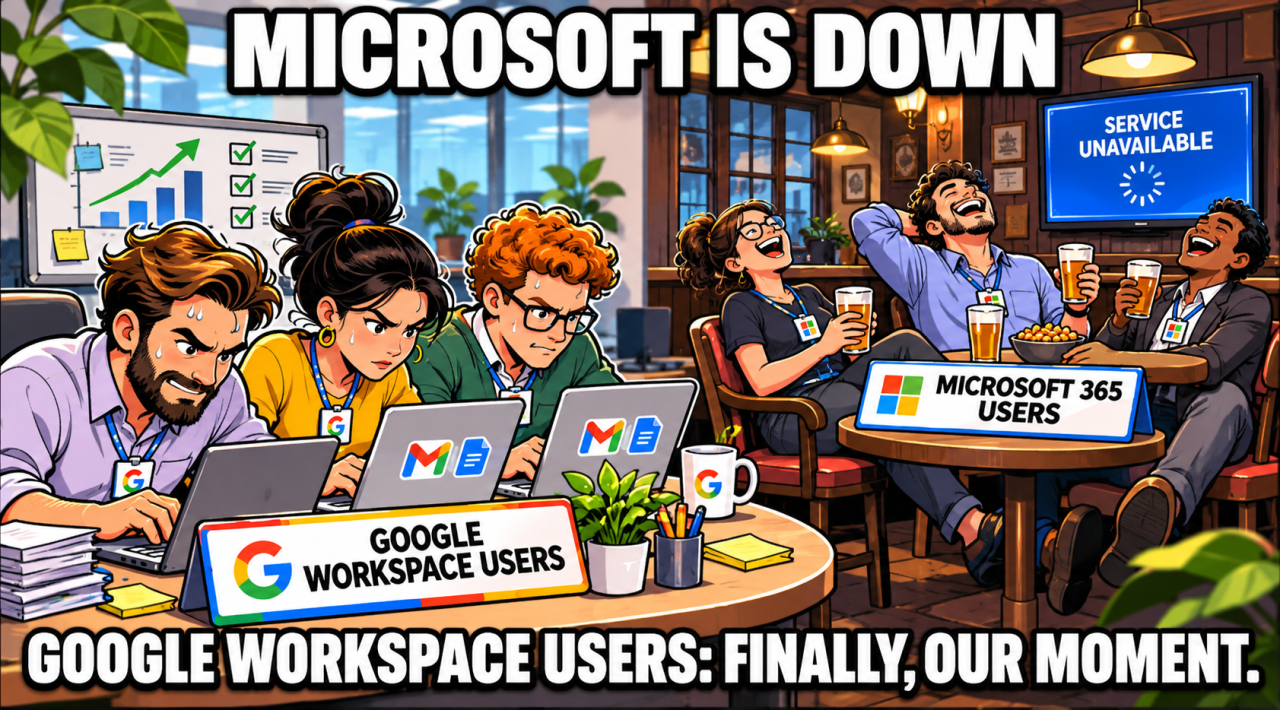
Image: Ian Medcalf's reply to Daniel Buckton's LinkedIn post.
Every platform has bad days
To declare my bias up front: I sell and support Google Workspace. And Google has bad days too. Its own status page logs a Gmail incident on 21 May 2026 that ran 8 hours and 47 minutes.[7] Google's service level agreement commits to at least 99.9% uptime each month across Gmail, Calendar, Drive, Meet, Chat and the other core tools,[8] which still leaves room for about 43 minutes of downtime in a 30 day month.
In July 2026 it was Telstra stopping the trains. In November it was Microsoft. Different vendor, same lesson. A single point of failure doesn't care how big the company behind it is. While I think Google Workspace is light years ahead, switching platforms isn't a continuity plan.
Your one-page Plan B
What most of the small businesses and committees I work with are missing costs them nothing. It's one page, printed and kept where everyone can find it, that says:
Who rings whom. A phone list for the team, kept somewhere other than the email system that's just gone down.
How customers and key stakeholders get reached when email is down. A phone call, an SMS, a note on your website or a social media post, decided before you need it.
A second way for the team to message each other. Pick one that doesn't run on the same provider as your email, or it goes down at the same time.
Who holds the admin login. And where the recovery details are kept if that person is on leave.
One tip before anyone starts restarting laptops: check your provider's status page to see whether it's you or them. Microsoft 365 users have the Microsoft service health status page,[9] and Google Workspace users the Google Workspace status dashboard.[7]
And one more. Scammers ring during outages pretending to be your IT provider. The Customer Owned Banking Association's advice is "If suspicious, hang up and ring them back on a number you know is genuine."[2] So put your IT provider's number on the page too.
Write yours before the next outage. "Resilience shouldn't depend on whether you happen to have a second system," Dr Ralston said.[1] For a small business it could start with a bit of paper, and that's cheap.
What changes for you and your team day to day on Google Workspace
Your email address stays the same. We switch your domain over to Google on changeover day, so mail keeps arriving at the address your customers already use.
Your old mail comes with you. We copy across mail from every folder, including sent items and drafts, along with attachments, calendars and contacts. Outlook folders turn up as labels in Gmail with the same names, so the filing system people know is still there.
Word and Excel files still open. Google Docs, Sheets and Slides edit Office files directly, and Google says the changes save in the original Office format.[10] Last year's board papers and the spreadsheet your treasurer swears by will both still work.
People work on one copy. Instead of emailing "Budget_v7_FINAL_final" around, everyone comments and edits in the same file.[10]
Meetings move to Google Meet. Meeting sizes and storage grow with the plan you choose, and storage is pooled across the team, so nobody runs out on their own.
Mail can work without a connection. Once an administrator switches it on, people can read, search and reply to Gmail with no internet connection. Anything they send goes out when they're back online, and by default the last 30 days of mail are kept on the device.[11]
The reason I recommend it to small teams is simpler than any feature list. Everything lives in one place, in a web browser, on the laptop and the phone alike. One not-for-profit committee member wrote in a Google review that we merged their scattered accounts into "one central Google Workspace, giving all of us clear, easy access to the files and emails we need."
What the move involves from your side
The technical work is ours, so your side is short.
Before the move. We build your new Google Workspace behind the scenes while your team keeps working in Microsoft 365, so your current email isn't touched. From you we need access to your domain account, or an introduction to whoever holds it, and a list of who's on the team and the devices they use.
While it runs. Email, contacts, calendars and files are copied across in the background, and people keep reading, sending and replying as normal. The migrated mail sits under a label with your old address. Leave the mail inside that label alone until we tell you it's finished, then tidy it up however you like.
Changeover day. We pick it with you (a quiet one, ideally not a Friday the 13th). That's when your domain is switched so new mail lands in Google. Each person signs in, and 2-Step Verification and your email security settings are set up as part of the move.
After. We train the team on what changes how you work, like shared drives and sharing files, and go through passwords and security with you. Follow-up support is booked in for the weeks after the changeover.
A note for not-for-profits
If you're a registered charity or community group, talk to us before you budget for licences. Google offers Google Workspace for Nonprofits free to eligible organisations, and every application goes through Google's verification process. We help community groups through the application as part of the move.
Talk to us about your Plan B or your move
Online is Easy has been an Authorised Google Workspace Reseller and Google Cloud Partner since 2019, and we provide Google Workspace support to small businesses, community groups and not-for-profits across regional Australia. Our support team includes a Certified Google Workspace Administrator. We can give you a hand with your Plan B, train your team to make the move with us beside them, or do the setup for you and then show everyone how it works.
If you'd rather talk it through, call Anthony on 0417 047 632, book a Free Discovery Call, or Schedule Tech Support Online.
Frequently asked questions
-
A global outage, tracked by Microsoft as incident MO1550821, disrupted Exchange Online, Outlook, Teams, SharePoint Online and Copilot.[12] In Australia it began around 5am AEDT on Friday 13 November 2026 and hit government agencies including the AFP, ASIO and the ABC as well as local businesses.[1] Nearly 24 hours later Microsoft was still working through its recovery.[2] Microsoft ruled out a cyber attack.[5]
-
Yes. The Google Workspace Status Dashboard publishes an incident history, including a Gmail incident on 21 May 2026 that ran 8 hours and 47 minutes.[7] Google's service level agreement commits to at least 99.9% monthly uptime for its core services.[8]
-
Four things on one page. Who rings whom. How customers and key stakeholders get reached when email is down. A second way for the team to message each other, on a different provider. Who holds the admin login and where the recovery details are kept.
-
Yes. Your email address stays the same, because we switch your domain over to Google on changeover day. We copy across email from every folder, plus attachments, calendars and contacts, and Outlook folders become Gmail labels with the same names.
-
Yes. Google Docs, Sheets and Slides can edit Office files directly, and changes save in the original Office format.[10]
-
Eligible organisations can get Google Workspace for Nonprofits free, and every application is verified before licences are issued. Online is Easy can take you through the application.

About the author
Anthony Mayer founded Online is Easy in 2014 in Gippsland, Victoria. He works with sole traders, small businesses, community groups and not-for-profits across remote, regional and rural Australia, helping small business look big online. Ask him a question >
